
Introduction
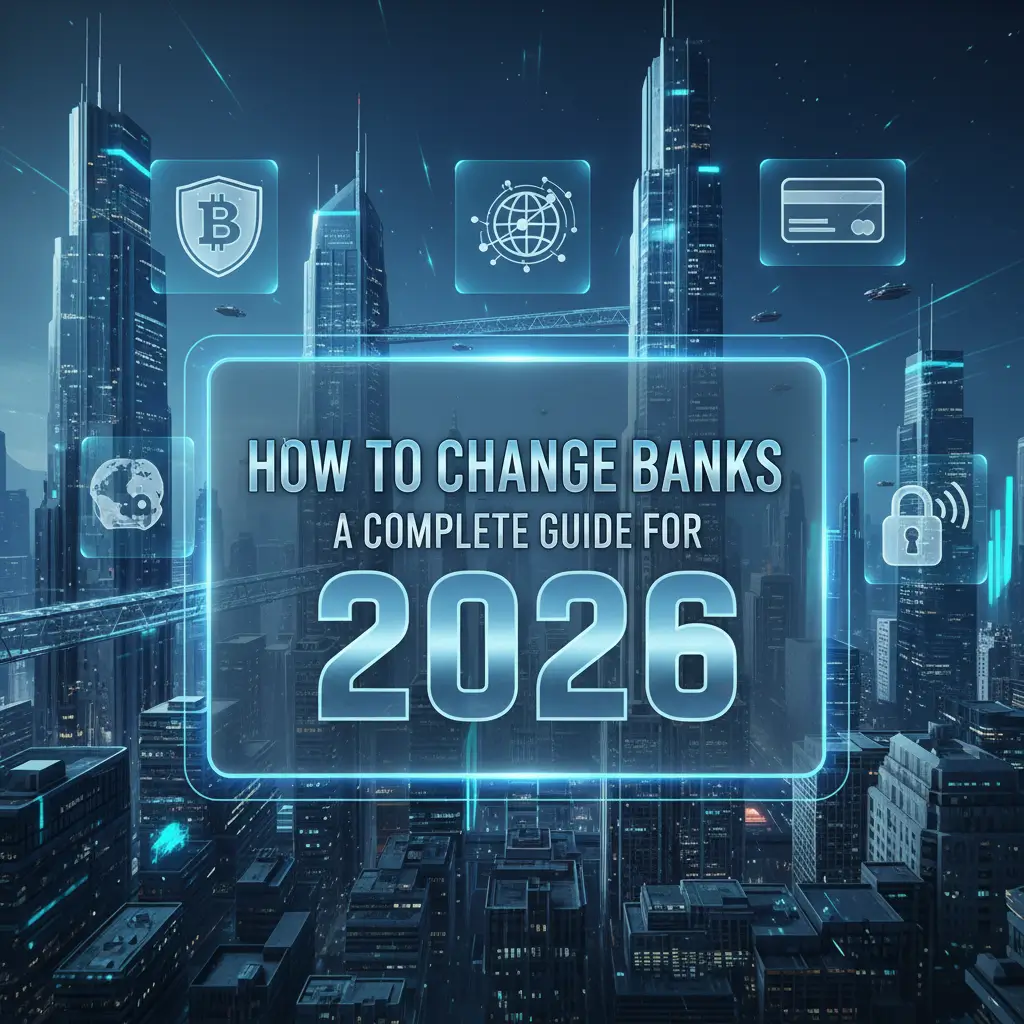
Switching banks can feel overwhelming, but it doesn’t have to be. Whether you’re unhappy with fees, poor customer service, or want better interest rates, changing banks is a common financial move. With the right plan, you can switch smoothly without missing payments or losing access to your money.
In this guide, we’ll walk you through how to change banks step by step, tips for a smooth transition, and what to watch out for so you can make the switch confidently.
Why People Change Banks
There are several reasons why someone might want to move their money to a new bank:
- High fees or hidden charges with the current bank
- Better interest rates on savings or checking accounts
- Poor customer service or limited branch access
- Better digital banking options like apps or online services
- Need for specific features like rewards checking, low minimum balance, or free ATM access
Understanding your motivation helps you choose the right bank that fits your lifestyle and financial goals.
Step 1: Choose Your New Bank
Before you close your old account, research and pick a new bank. Consider the following:
- Account types offered: Checking, savings, CDs, credit cards
- Fees: Monthly maintenance, overdraft, ATM, and other charges
- Interest rates: Especially on savings accounts
- Digital banking options: Mobile app, online bill pay, notifications
- Branch and ATM access: Important if you prefer in-person banking
Once you find a bank that meets your needs, you’re ready to open an account. Many banks allow you to open accounts online in minutes.
Step 2: Open Your New Bank Account
When opening your new account:
- Bring personal identification like a driver’s license, passport, or Social Security number
- Make an initial deposit if required
- Set up online banking, mobile app, and account alerts
- Request a debit card and checks if needed
Ensure your new account is fully functional before moving funds from your old bank.
Step 3: List All Automatic Transactions
Most people have automatic payments and deposits linked to their bank accounts. Make a list of:
- Direct deposits from your employer
- Automatic bill payments (utilities, loans, subscriptions)
- Recurring transfers between accounts
This helps prevent missed payments or service interruptions when you switch banks.
Step 4: Switch Direct Deposits
Update your payroll or government benefits to deposit money into your new account:
- Contact your employer’s HR or payroll department
- Provide your new account and routing numbers
- Confirm the effective date of the switch
It may take one or two pay cycles for direct deposits to appear in your new account, so keep your old account open until you see your first deposit.
Step 5: Move Automatic Payments
Update your automatic payments to your new bank:
- Log in to biller accounts and change bank information
- If payments are linked to debit cards, update those as well
- Set reminders to confirm payments are being withdrawn from the new account
Leaving the old account open for a month or two helps catch any recurring payments you may have missed.
Step 6: Transfer Your Money
After setting up direct deposits and automatic payments:
- Transfer the majority of your money from the old account to the new one
- Keep a small buffer in the old account to cover any pending transactions
- Use online transfers, wire transfers, or checks depending on what’s easiest
Make sure the funds are fully available in your new account before closing the old one.
Step 7: Close Your Old Bank Account
Once all transactions have cleared and direct deposits are working:
- Contact your old bank to close your account
- Request written confirmation of the closure
- Destroy old checks and debit cards securely
Closing your old account ensures you don’t incur unnecessary fees or leave money behind.
Tips for a Smooth Bank Switch
- Do it at the right time – Avoid switching right before big payments or during holidays.
- Double-check pending transactions – Make sure nothing is left in your old account.
- Keep a buffer – Maintain a small balance in the old account for safety.
- Update linked services – Don’t forget subscriptions like Netflix, Spotify, or utilities.
- Monitor both accounts – Watch your old and new accounts for a month to catch any issues.
Common Mistakes to Avoid
- Closing your old account too early
- Forgetting to update direct deposits or recurring payments
- Not checking fees on your new account
- Overlooking ATM access or branch locations
- Assuming online-only banks are enough if you need cash deposits
By avoiding these mistakes, you can make the transition without disrupting your finances.
Benefits of Switching Banks
- Lower fees – Many modern banks offer no-fee accounts.
- Better interest rates – Earn more on savings and checking balances.
- Improved customer service – Access to better support, apps, or in-person services.
- More features – Digital tools, budgeting apps, and rewards programs.
Switching banks can improve your financial health and make day-to-day money management easier.
Conclusion
Changing banks doesn’t have to be stressful. By following the steps above—choosing the right bank, listing automatic transactions, switching deposits, transferring funds, and closing your old account—you can move safely and efficiently.
Whether you’re looking for lower fees, better interest rates, or a more modern banking experience, switching banks is a smart financial move when done carefully.
FAQs
1. How long does it take to switch banks?
It usually takes 2–4 weeks to fully transition, depending on pending transactions and direct deposit updates.
2. Can I keep my old bank open while switching?
Yes, keeping your old account open for a month helps prevent missed payments.
3. Will switching banks affect my credit score?
No, switching checking or savings accounts does not impact your credit score.
4. Do I need to notify all billers?
Yes, any recurring payments or subscriptions must be updated with your new account information.
5. Can I switch to an online-only bank?
Yes, online banks are convenient, often fee-free, and offer high interest rates, but make sure you can handle cash deposits if needed.